GuidesTypeScript
TanStack Start with PostgreSQL and Drizzle
Build a TanStack Start fullstack app with PostgreSQL, Drizzle, Better Auth, tRPC, Tailwind CSS, and shadcn/ui using one reproducible Better Fullstack command.
Use this stack when TanStack Start should own the React UI and server boundary, while PostgreSQL provides the production data store. It keeps one application deployment without treating database code as route code.
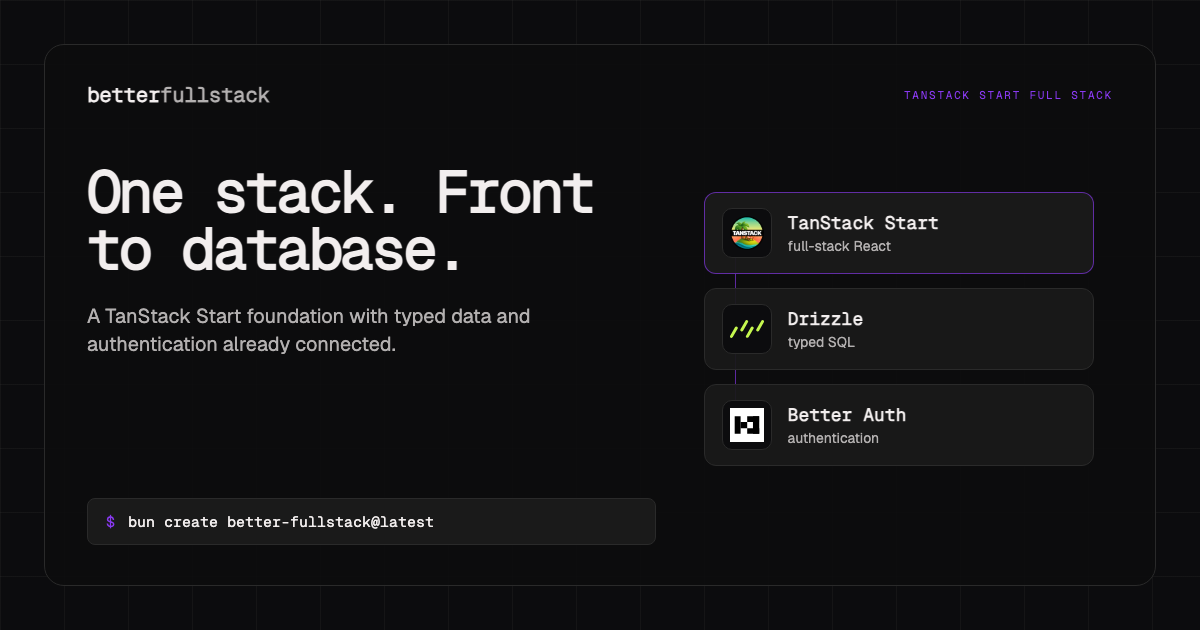
bun create better-fullstack@latest my-tanstack-app \
  --ecosystem typescript \
  --frontend tanstack-start \
  --backend self \
  --runtime none \
  --database postgres \
  --orm drizzle \
  --auth better-auth \
  --api trpc \
  --css-framework tailwind \
  --ui-library shadcn-ui \
  --shadcn-base radix \
  --shadcn-style nova \
  --shadcn-icon-library lucide \
  --shadcn-color-theme neutral \
  --shadcn-base-color neutral \
  --shadcn-font inter \
  --shadcn-radius default
What this creates
- A TanStack Start app with file-based React routes and server functions.
- PostgreSQL access through Drizzle rather than direct SQL inside route handlers.
- Better Auth at the framework-owned server boundary.
- A tRPC layer for typed application operations.
- Tailwind CSS and shadcn/ui for the web interface.
bts.jsonc, which records the selected architecture for future changes.
The generated selection is also available as the TanStack Start PostgreSQL template.
Architecture boundary
This is one deployable app inside a generated workspace. “Single app” does not mean every concern belongs in one package. Keep request parsing in routes or server functions, database access in the shared database package, and auth session resolution at the server edge.
my-tanstack-app/
  package.json
  apps/
    web/
      src/
        routes/
        components/
        functions/
        middleware/
  packages/
    api/
    auth/
    db/
    env/
TanStack Start owns rendering and request handling. Drizzle owns schema and queries. PostgreSQL owns durable relational state. That separation makes it possible to test application operations without coupling every test to a route component.
PostgreSQL configuration
Keep the database URL server-only. A representative environment value looks like:
DATABASE_URL="postgresql://app:password@localhost:5432/app"Use a separate database or schema for automated tests. In deployed environments, confirm whether the provider expects pooled and direct connection URLs; migrations often need a direct connection even when application traffic uses a pooler.
Drizzle schema files should describe product data explicitly:
import { pgTable, text, timestamp, uuid } from "drizzle-orm/pg-core";

export const projects = pgTable("projects", {
  id: uuid("id").defaultRandom().primaryKey(),
  ownerId: text("owner_id").notNull(),
  name: text("name").notNull(),
  createdAt: timestamp("created_at", { withTimezone: true }).defaultNow().notNull(),
});
Reference the auth user identifier from product tables. Do not duplicate password, session, or verification state into your own project schema.
Server operation pattern
Use narrow operations that parse input, resolve the current user, and call the data layer. Avoid exporting a generic database client to browser code.
import { z } from "zod";

const createProjectInput = z.object({ name: z.string().trim().min(2).max(80) });

export async function createProject(rawInput: unknown, ownerId: string) {
  const input = createProjectInput.parse(rawInput);
  return { ownerId, name: input.name };
}
When to choose PostgreSQL instead of SQLite
Choose PostgreSQL when the deployed app needs a managed network database, concurrent writers, mature backup tooling, or extensions. SQLite is often simpler for local-first or single-instance deployments with persistent disk.
This is an operational choice, not a quality ranking. The existing TanStack Start project guide uses SQLite to optimize the local loop. This guide uses PostgreSQL to make the production database boundary explicit.
Compatibility and deployment notes
Run migrations as an explicit deployment step. Set the public application origin used by auth callbacks, and verify secure cookie behavior on the final HTTPS domain.
Next steps
- Inspect the exact generated template record.
- Compare TanStack Start and Next.js.
- Open the visual builder.